


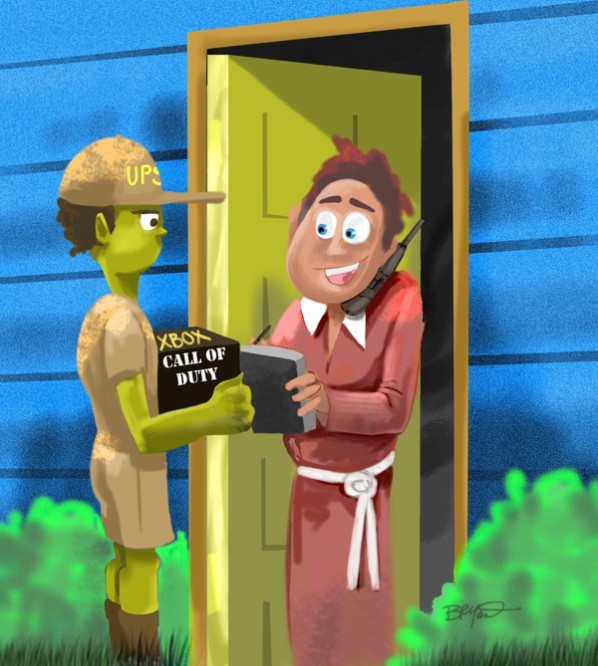
Yay! Xbox Call of Duty 4: Modern Warfare went on sale today. Here’s a super – quick cartoon… and for anyone who’s interested, a WORKSHOP of how I drew it.
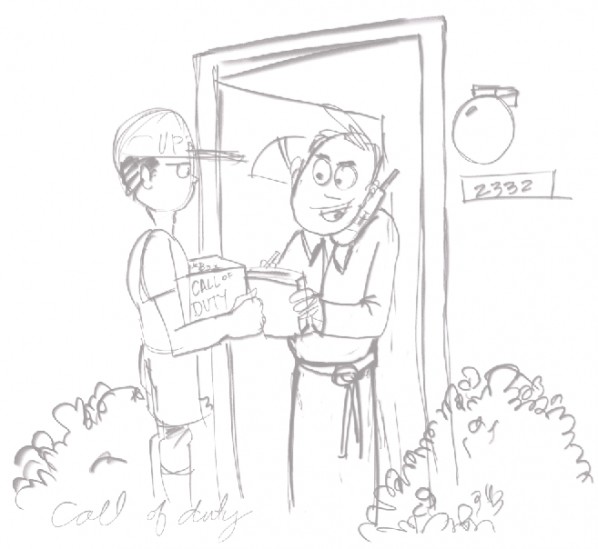
Step 1: The sketch
Launched Corel Painter 11 and made a new document about 8″ x 8″ and 200 dpi. On a white canvas I sketched the basic forms.
Step 2: Grey Layer
I create another layer >MULTIPLY, and fill it with a warm grey.
Step 3: Base Color
Another new layer set to >OVERLAY. I grab an oil brush I use alot and begin broad strokes of color. I don’t worry too much about the details just yet. I want to simply get some color in the sketch and get a feel for the composition.
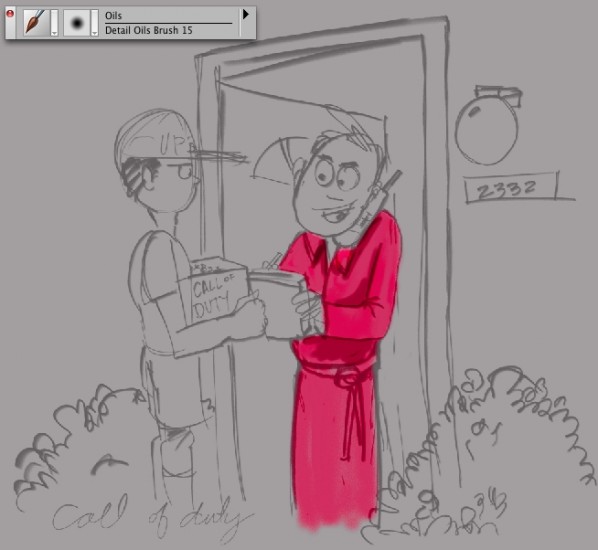
Step 3a: More Color
I’ll show you some self-explanatory snapshots of adding more color. For the UPS guy I made a new layer, and sometimes switch to a pastel brush that has a little texture, but otherwise it’s still straightforward coloring.
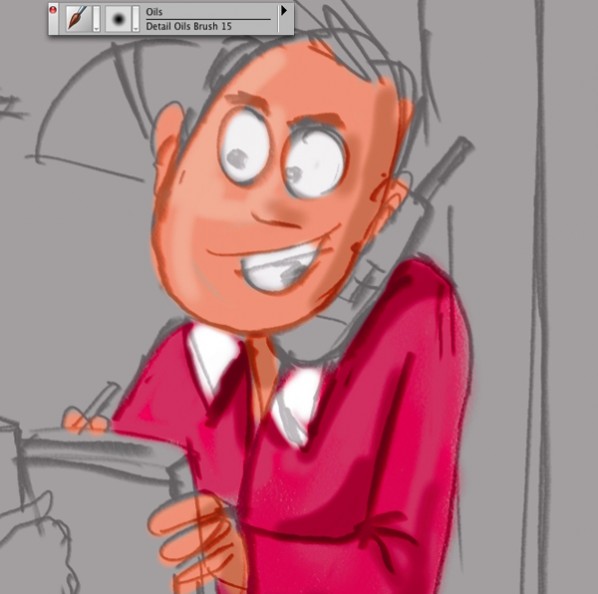
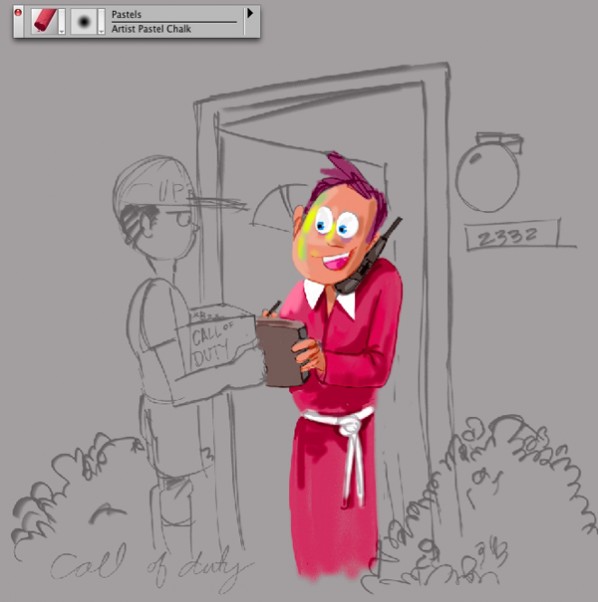
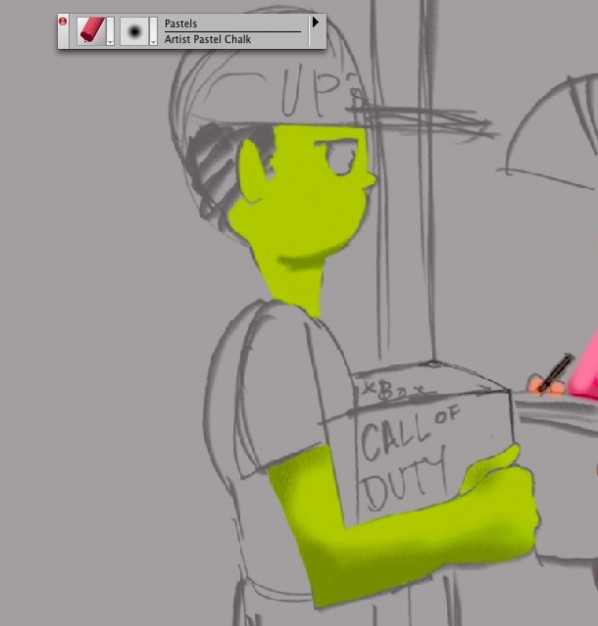
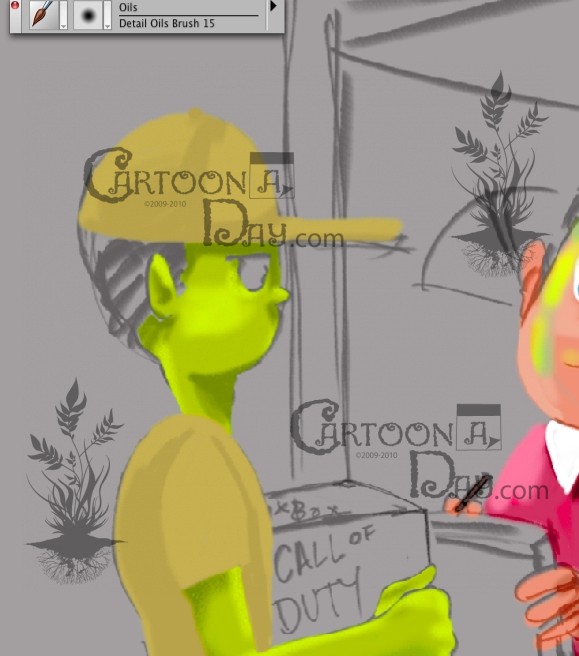
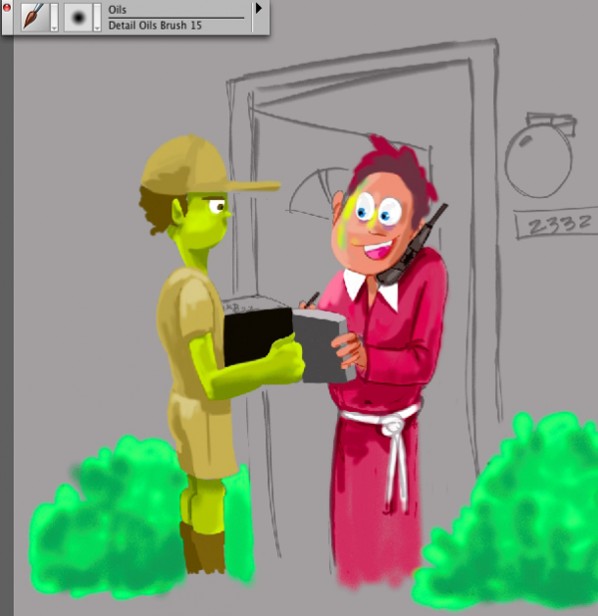
Step 4: Pencil Reduction
Next I select the canvas layer and start erasing the pencil sketch. I let it show through in some areas, and wipe it out completely in other areas. I remove the sketched doorway since I’ll use the pen tool to draw straighter lines than can be done by hand.
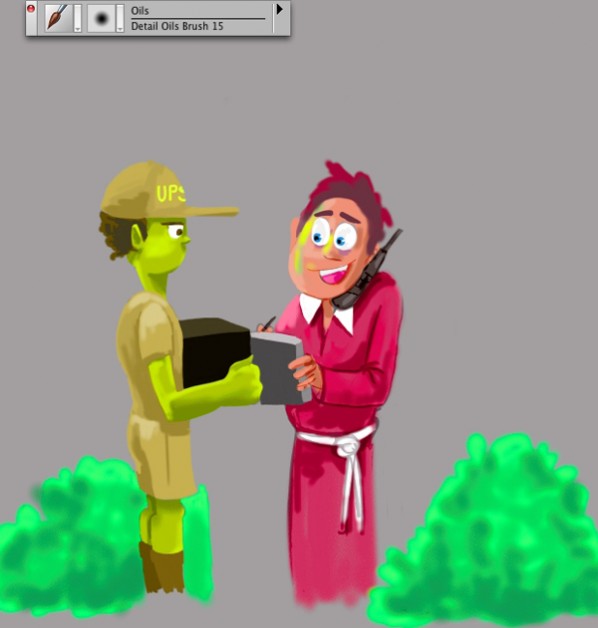
Step 5: Doorway
New layer >NORMAL. Grab the pen tool and draw the frame. Following the frame, I draw the door and any other straight lines.
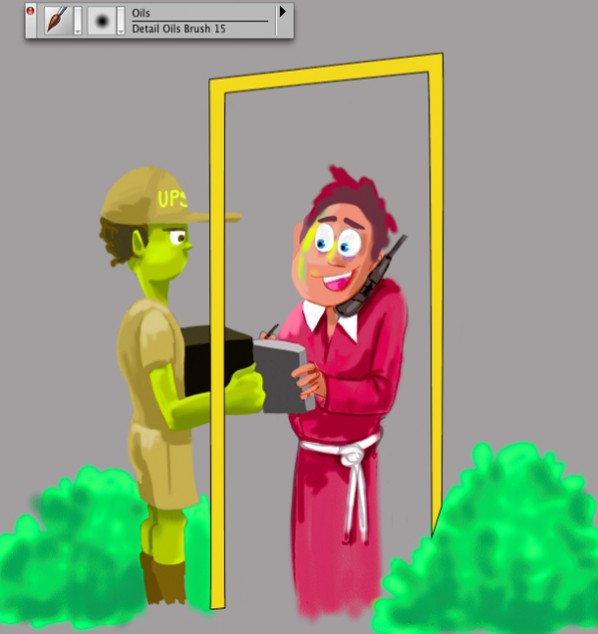
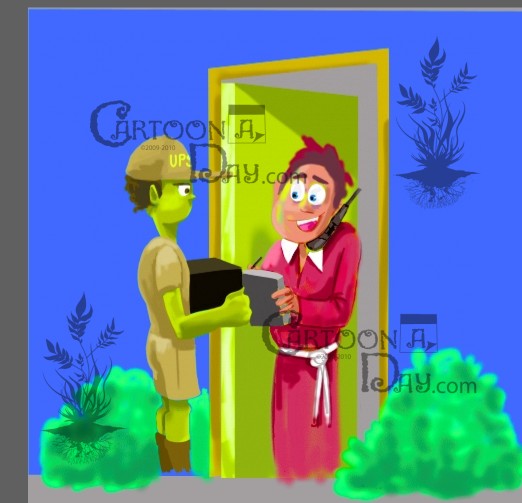

Step 6: Detail
Simple as that. I dial down the big brushes and detail the image. Not rocket science… This image took a grand total of about 30 minutes. Enjoy!

More Cartoons Like This:
- Last Piece of the Puzzle Sitting down for my daily toon, i scribbled an artist...
- Call of Duty 3 Hits Stores and Homes- Modern Warfare Cartoon Call of Duty 3 Hits Stores and Homes- Modern...
- Easy Come Easy Go Easy.com Easy.go...
- Sexy Backless Dress Another fun tutorial for the folks at Cartoonaday. If you're...
- UNLV Rebel Basketball Tutorial Las Vegas, Nevada UNLV Runnin’ Rebel Basketball Tutorial Yay, it’s...